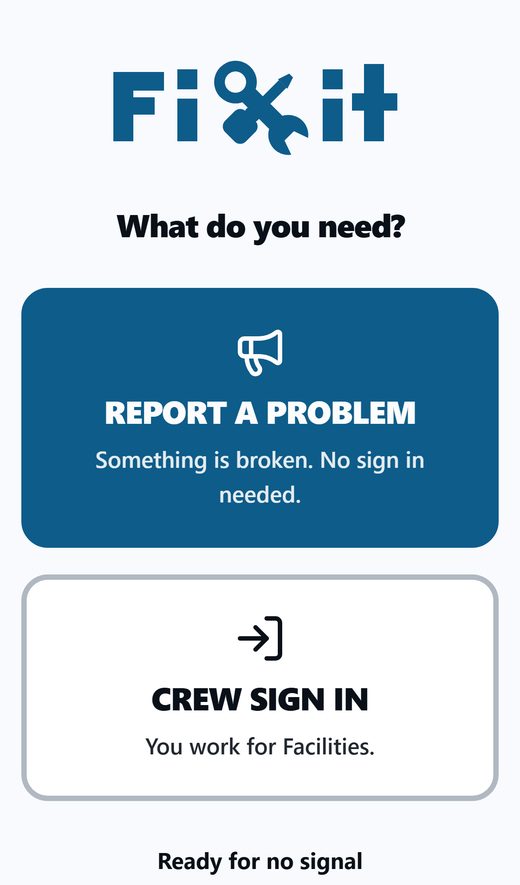
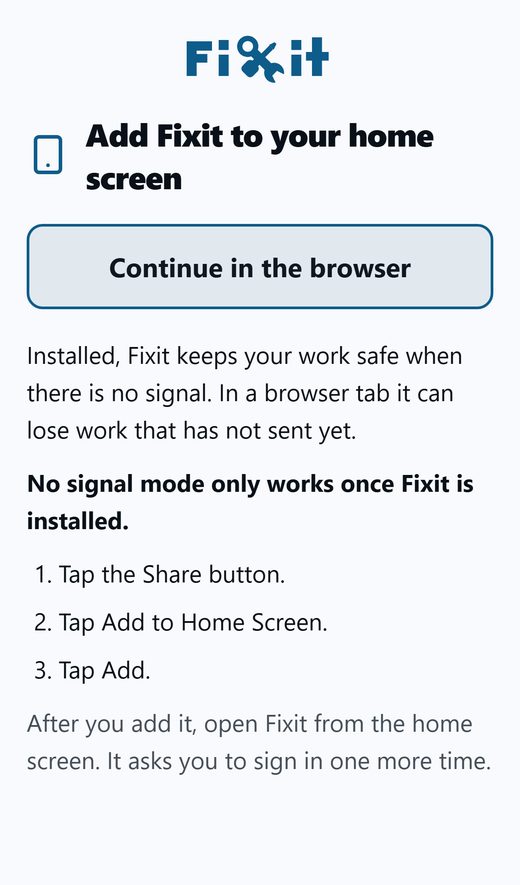
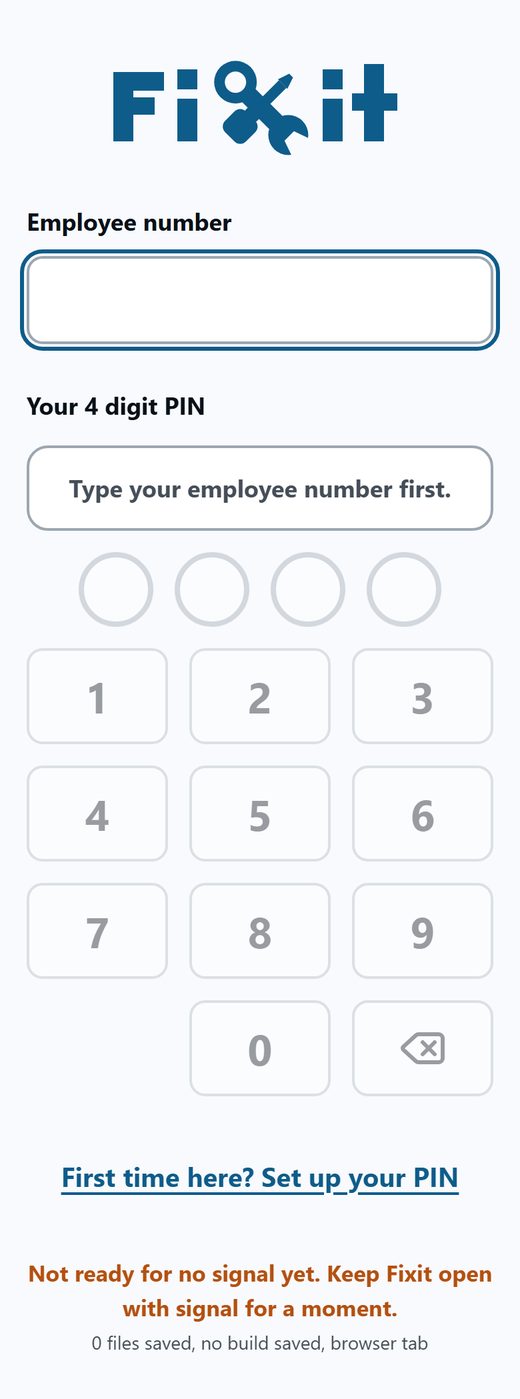
- Stand somewhere with signal or Wi-Fi.
- Open Fixit from the icon on your home screen. Leave it open for about 10 seconds.
- Close it all the way.
- iPhone: swipe up from the bottom of the screen and pause, then flick Fixit up and off the top.
- Android: tap the recent apps button (or swipe up and hold), then swipe Fixit away.
- Open it again from the icon. You are on the new version.
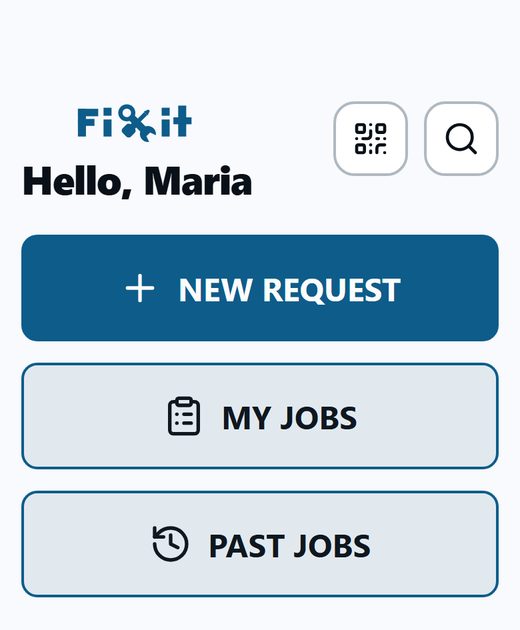
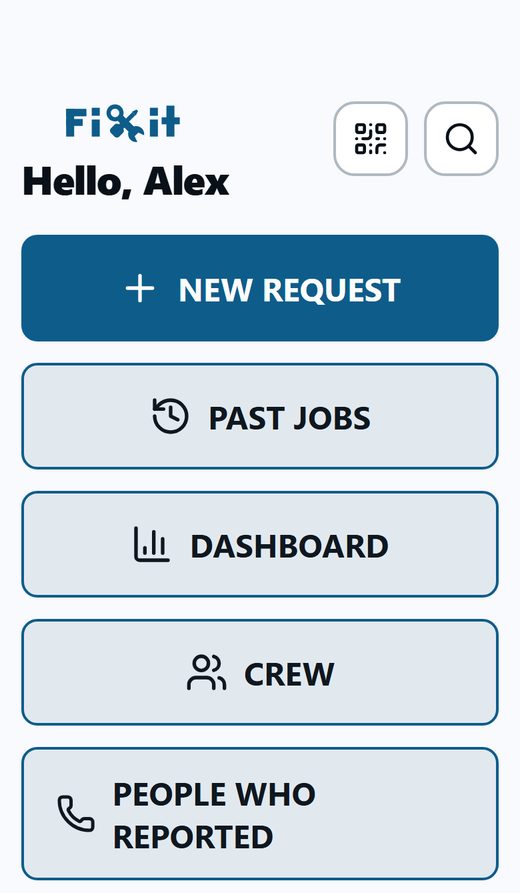
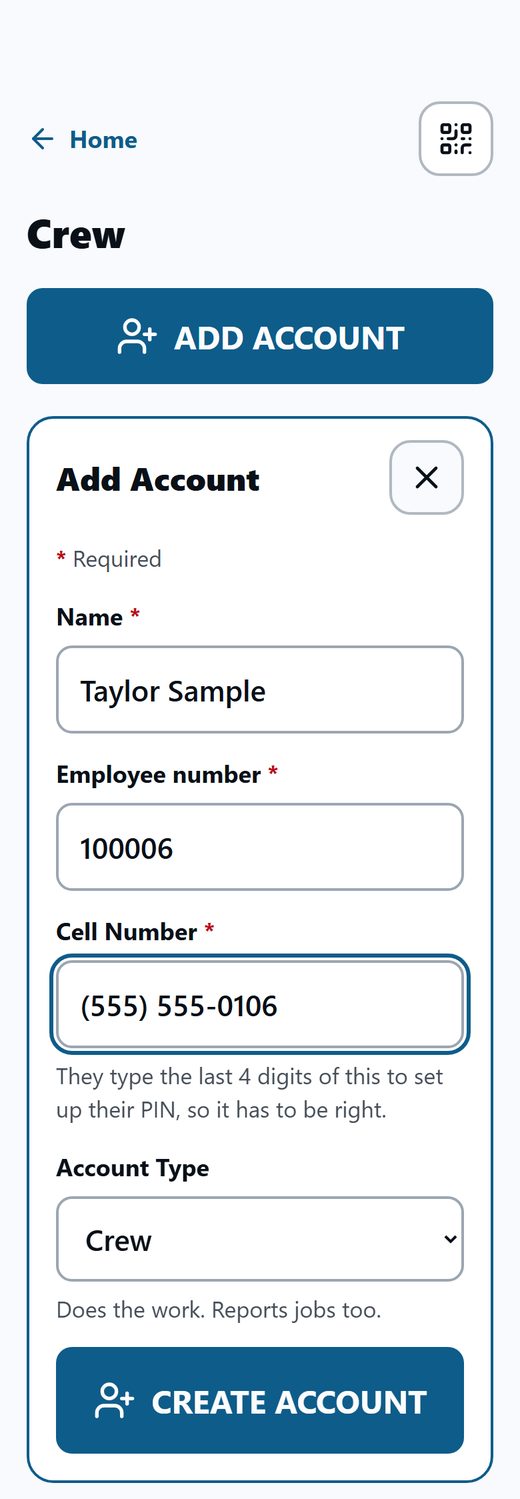
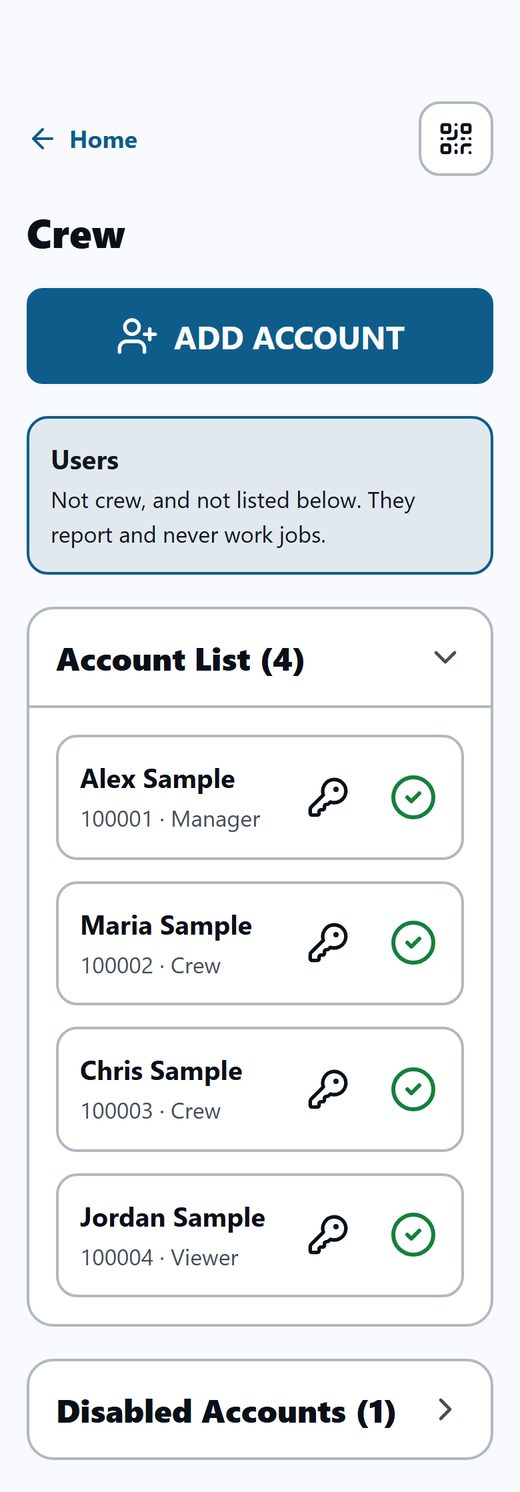
How to tell it worked: your home screen has a PAST JOBS button. For a manager, the Crew screen opens with a big ADD ACCOUNT button at the top.
Still looks old? Do steps 2 to 4 one more time. If it still looks old after that, remove it and add it again (see Remove the app). You will not need to set up your PIN again.
Your PIN, your jobs, your notes and your photos all stay exactly as they were.